Overview
This challenge workshop aims to accelerate the transition of volumetric video technology from laboratory prototypes to robust, production- and consumer-ready systems, enabling breakthroughs in immersive interactive experiences.
Compression Track
Focuses on balancing storage efficiency and playback performance for practical deployment in real-world applications.
Sparse-View Track
Focuses on accurately reconstructing dynamic 3D humans from minimal camera viewpoints, reducing hardware costs and simplifying capture setups.
Our challenge fosters cross-disciplinary discussion between computer vision, computer graphics, and AR/VR practitioners, uniting expertise in 3D reconstruction, generative AI, and immersive media systems.
News
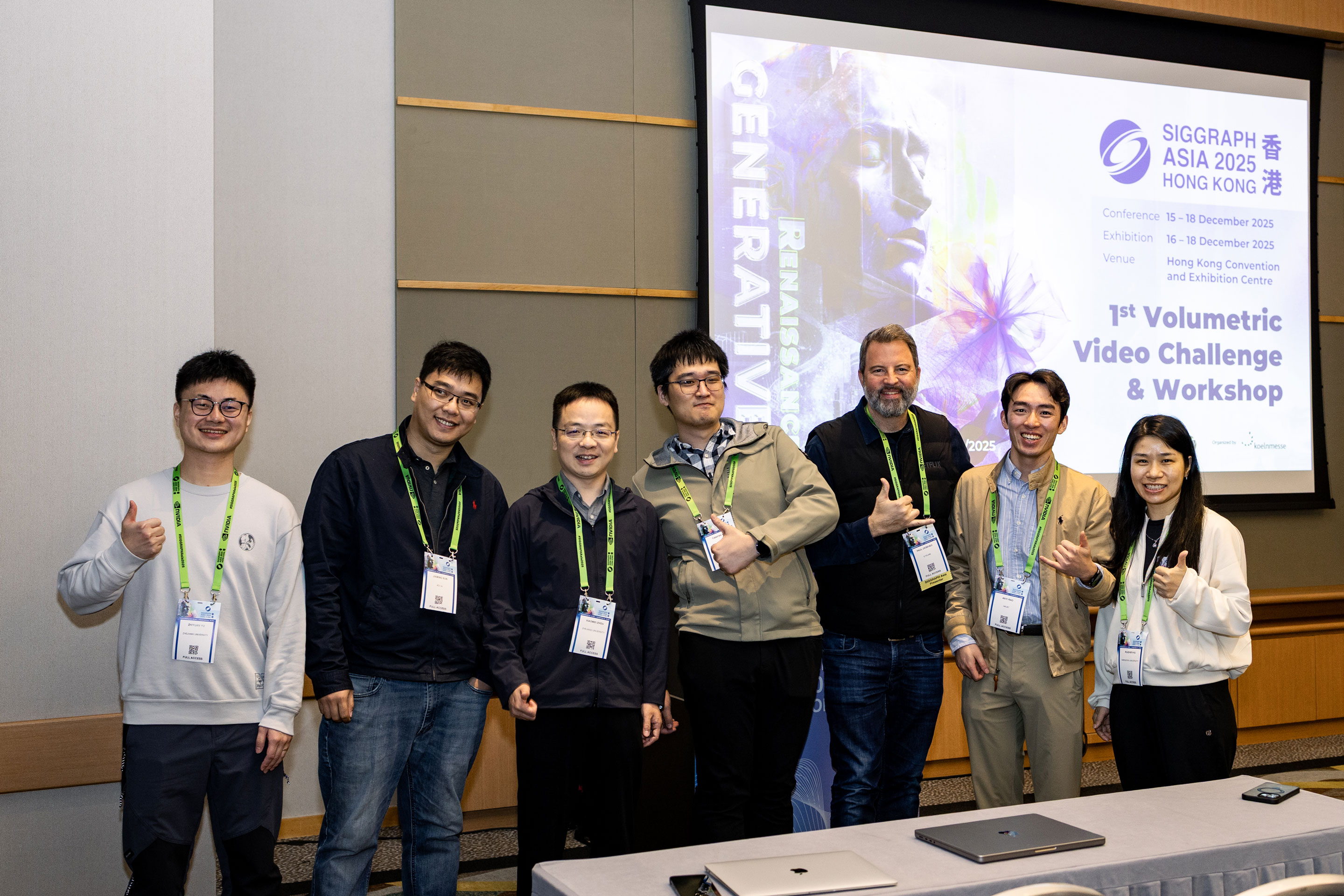
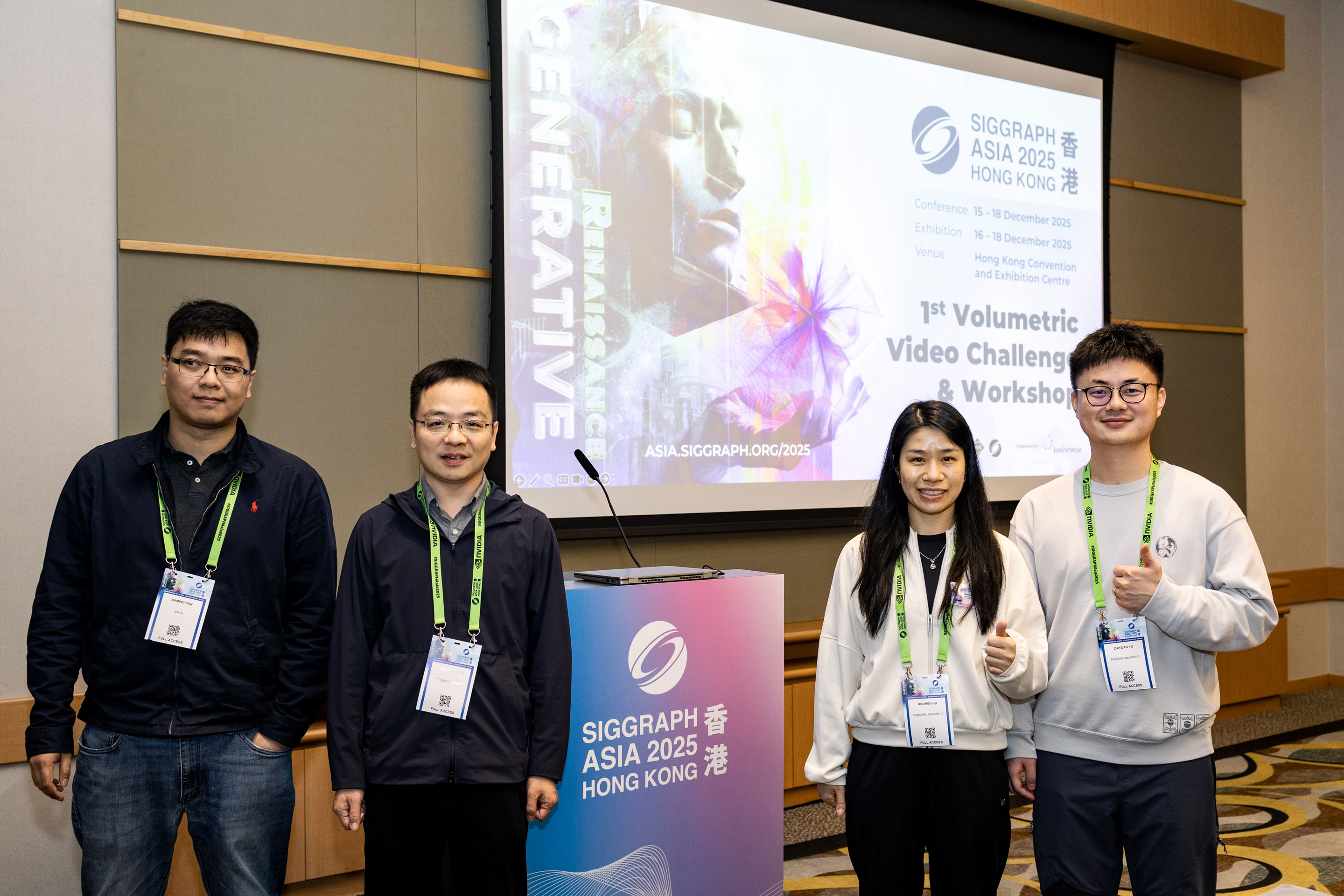
December 19 (AoE) Workshop The Highlights Now Live!
November 30 (AoE) The results have been announced! Congratulations to the winners!
November 21 (AoE) We have deployed a WebDAV system for submission. The original Google Form submission is now suspended, and any results submitted through that method will not be considered for evaluation. The account and password have been sent to registered participants individually. If you have not yet received, please contact us immediately.
October 15 (AoE) Add FAQ section to answer some common questions.
October 14 (AoE) We have uploaded new timecode related files to the dataset (timecode.json). Now you can use them to get better FreeTimeGS rendering (render_ftgs_new.py). Besides, for all participants please complete our information collection Google Form as soon as possible.
September 4 (AoE) ⚠️ The compression and sparse-view datasets have been released. For compression track, the FreeTimeGS models and their rendering script are now available. Access these resources at: Google Drive
August 31 (AoE) We are currently completing the final processing of our dataset, and the release is anticipated by September 5. Thank you for your patience.
Important Dates (AoE)
Registration Opens
Get ready to participate in the challenge
Dataset Release
Full dataset available for download
Submission Deadline
Final submission of your results
Results Announcement
Winners will be notified
Workshop & Awards
Time: 16 Dec 9:00am-12:00pm GMT+8, Location: Meeting Room S226+S227, Level 2
Challenge Tracks
The challenge features two tracks focusing on cutting-edge compression and sparse-view reconstruction techniques for volumetric videos.
Compression Track
Optimize file size while maintaining high reconstruction quality metrics. Perfect for teams working on efficient storage and streaming solutions.
Sparse-View Track
Reconstruct dynamic 3D humans from limited camera views. Ideal for teams exploring neural rendering and view synthesis.
Dataset
Our high-fidelity dataset features diverse dynamic human subjects with:
Mixed Focal Lengths
Cinematic-Grade Visual Quality
Challenging Motions
Dataset Structure:
.
├── intri.yml               # Camera intrinsics for training views
├── extri.yml               # Camera extrinsics for training views
├── test_intri.yml          # Camera intrinsics for testing views
├── test_extri.yml          # Camera extrinsics for testing views
├── images/                 # Multi-view images for training
│   ├── 00/                 # Camera name
│   │   ├── 000000.jpg      # Image name using format {frame:06d}.jpg
│   │   └── ...
│   ├── 01/
│   └── ...
├── masks/                  # Multi-view masks for training
│   ├── 00/                 # Camera name
│   │   ├── 000000.jpg
│   │   └── ...
│   ├── 01/
│   └── ...
└── pcds/                # Foreground point clouds
    ├── 000000.ply
    └── ...
Note: We provide official Python scripts for data parsing and visualization. All data are provided for research use only.
Evaluation
Hardware: All evaluations conducted on Linux workstation with one NVIDIA RTX 4090 GPU
Evaluatoin: We use PSNR, SSIM, and LPIPS to measure the foreground-only reconstruction quality
Compression Track
Rank = [rank(PSNR) + rank(SSIM) + rank(LPIPS)]/6 + [rank(Size) +
rank(Time)]/4
Size: Total on-disk bytes of all content-dependent artifacts required for
rendering. Content-agnostic parts (e.g., shared backbones, shared decoders, ...) are
excluded. NOTE: Background regions are not involved in computation, so please
remove them before your submission.
Time: Average rendering time of a fixed number of test images with batch size
= 1, including preprocessing, decoding, and rendering.
Sparse-View Track
Rank = [rank(PSNR) + rank(SSIM) + rank(LPIPS)]/3
Detailed Requirements
Compression Track
Dataset Split
Validation Set (2 sequences)
- • Full 60-view videos & masks
- • Full 60-view camera parameters
Test Set (5 sequences)
- • 48-view videos & masks
- • Training & testing camera parameters
Baseline
We provide a FreeTimeGS result as baseline. Participants can use it as a starting point (e.g., linear/non-linear quantization and pruning) or develop novel compression methods.
Submission Requirements
Technical Report (PDF, max 4 pages)
SIGGRAPH Asia Technical Communications template recommended
Rendered Results (ZIP)
5 zip files for 5 sequences. Each file contains test-view images in a specified directory structure:
output/
├── 00  # Testing camera name defined by test_intri.yml and test_extri.yml
│   ├── 000000.jpg
│   ├── 000006.jpg
│   ├── ...
├── 01
│   ├── 000000.jpg
│   ├── 000006.jpg
│   ├── ...
...
• The submission frame indices
are set to range(0, 300, 6) for both compression and sparse-view tracks
(i.e., 0, 6, 12, ...), which totals 50 frames.
The submission cameras remain
the same (12 for compression). There are no specific requirements for the
image format.
Model & Scripts (ZIP)
5 zip files for 5 sequences. Each file contains:
- • A .txt file describing all content-dependent files for size computing. One file per line.
- • Your Conda environment .yml file
- • Your compressed models and rendering scripts
- ▪ The rendering code should support the following evaluation commands:
- ▪ The default command should generate a folder named output, with the same structure as Rendered Results (ZIP).
- ▪ Please ensure your code runs non-interactively and reproducibly in a clean environment with the above commands.
conda env create -f [YOUR_ENV_FILE].yml
conda activate [YOUR_ENV_NAME]
python3 render.py --model [YOUR_MODEL] --intri test_intri.yml --extri test_extri.yml (default)
// or
python3 render.py --model [YOUR_MODEL] --intri test_intri.yml --extri test_extri.yml --no_image (no image saving for time computing)
Sparse-View Track
Dataset Split
Validation Set (2 sequences)
- • Full 16-view videos & masks
- • Full 16-view camera parameters
Test Set (5 sequences)
- • 8-view videos & masks
- • Training & testing camera parameters
Submission Requirements
Technical Report (PDF, max 4 pages)
SIGGRAPH Asia Technical Communications template recommended
Rendered Results (ZIP)
5 zip files for 5 sequences. Each file contains test-view images in a specified directory structure:
output/
├── 00  # Testing camera name defined by test_intri.yml and test_extri.yml
│   ├── 000000.jpg
│   ├── 000006.jpg
│   ├── ...
├── 01
│   ├── 000000.jpg
│   ├── 000006.jpg
│   ├── ...
...
• The submission frame indices are set to
range(0, 300, 6) for both compression and sparse-view tracks (i.e., 0, 6,
12, ...), which totals 50 frames.
The submission cameras remain the same (8
for sparse view). There are no specific requirements for the image format.
Submission Guidelines
Submission
- One registration per team
- Team name serves as official identifier
- Maximum 3 submissions per track
File Naming Convention
Report: TeamName.pdf or Account.pdf
Results: TeamName-SeqName.zip or Account-SeqName.zip
Model: TeamName_Model-SeqName.zip or Account_Model-SeqName.zip (for Compression Track only)
Note: Example SeqName: 004_1_seq1. All reports are non-archival. Submission link will be provided soon.
Instruction
Through Website (Recommended)
- • Directory Access: Upon successful login, you will be placed directly into your team's private root directory. You DO NOT need to manually create an additional {{TeamName}} folder. We have created two folders for you: "Compression" and "Sparse-View." Each folder contains "S1," "S2," and "S3" sub-folders to indicate your maximum of 3 submissions. You should submit your files accordingly.
- • File Naming: Please continue to use your Team Name ({{TeamName}}) or Account ({{Account}}) for naming all submitted files (e.g., {{TeamName}}-SeqName.zip or {{Account}}-SeqName.zip).

Through command-line
- • Setup & Mount
- • Upload & Unmount
#!/bin/bash

# 1. Install WebDAV client
sudo apt install -y davfs2

# 2. Create local mount point
mkdir ~/webdav-siga

# 3. Mount WebDAV (Replace YOURACCOUNT with your {{Account}})
# Enter your {{Account}} and {{Password}} when prompted.
sudo mount.davfs -o no_check_certificate https://research.4dv.ai/remote.php/dav/files/YOURACCOUNT ~/webdav-siga

# 4. Verify directories
ls -l ~/webdav-siga
#!/bin/bash

# Navigate and upload files (e.g., to Compression/S1)
cp /path/to/your/file.zip ~/webdav-siga/Compression/S1/

# Unmount after submission is complete
sudo umount ~/webdav-siga
Awards
Each track features two prestigious prizes
First Prize
$2,500
Second Prize
$1,500
| Team | PSNR | SSIM | LPIPS |
|---|---|---|---|
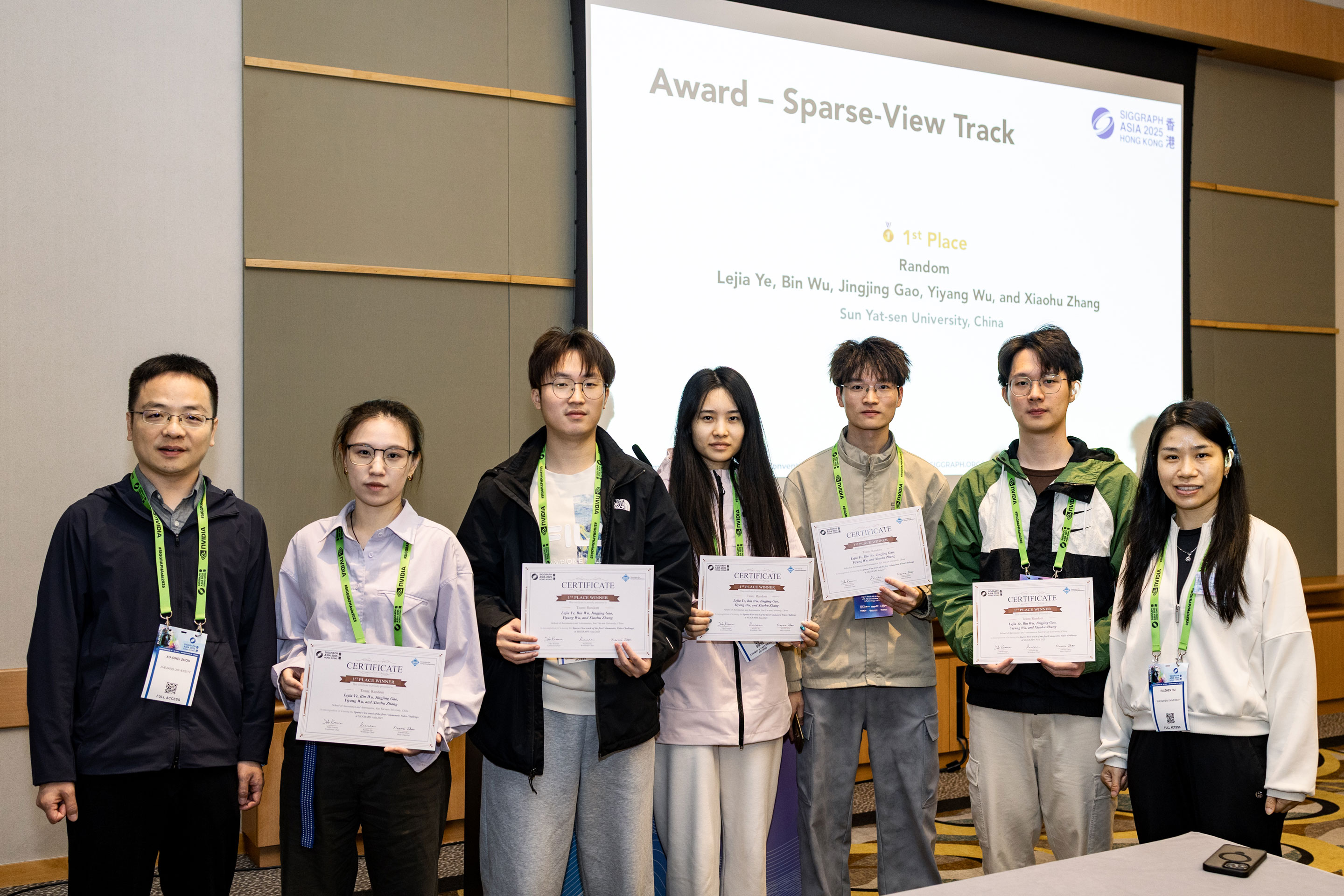
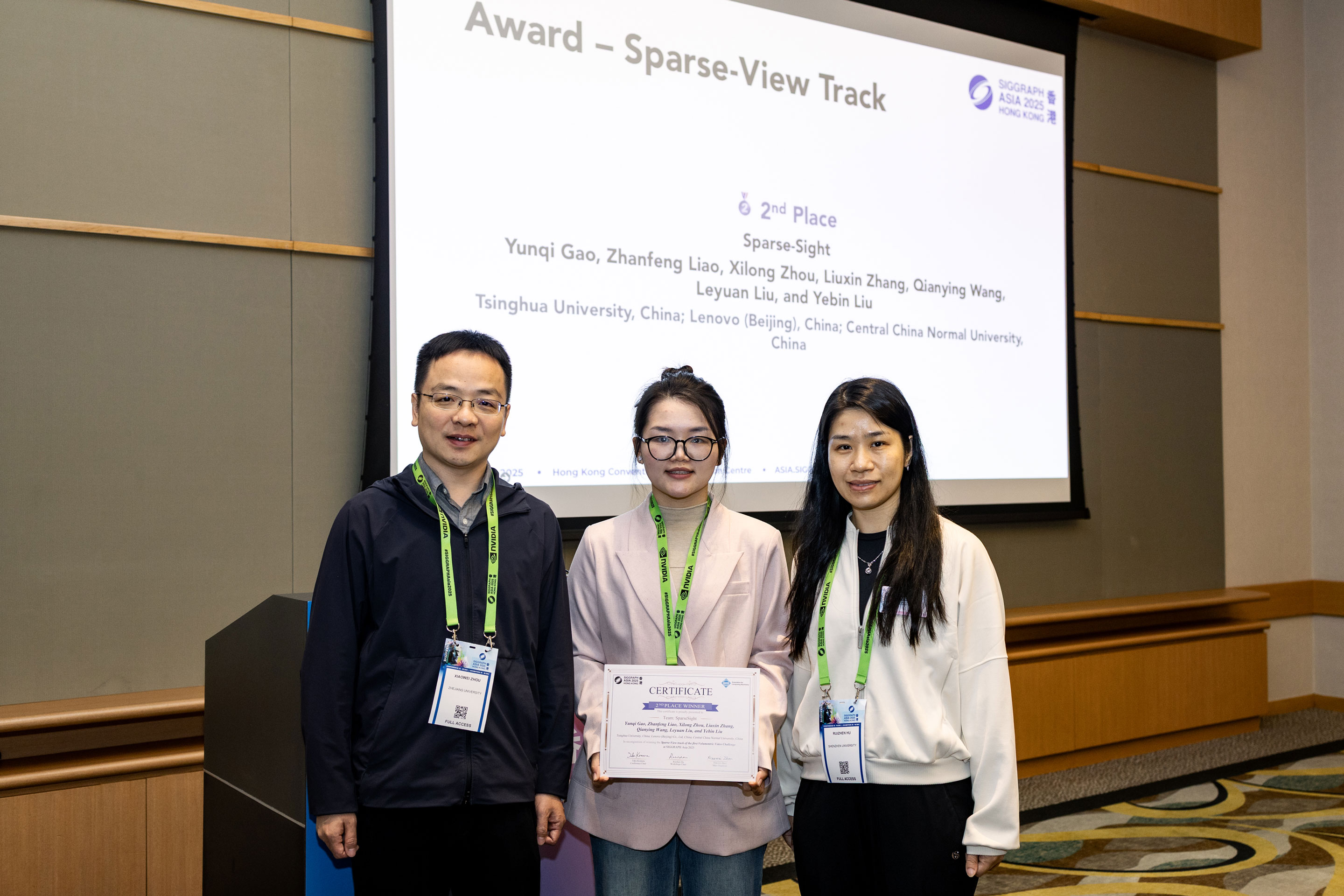
| Random 🥇 | 27.37 | 0.9296 | 0.1201 |
| SparseSight 🥈 | 26.27 | 0.9214 | 0.1367 |
| VVGS | 25.11 | 0.9087 | 0.1617 |
| iComAI | 24.34 | 0.8997 | 0.1549 |
| USTCAIgroup | 16.96 | 0.8299 | 0.2227 |
| Team | PSNR | SSIM | LPIPS | DECODE(ms) | FPS | SIZE_AVG(MB) |
|---|---|---|---|---|---|---|
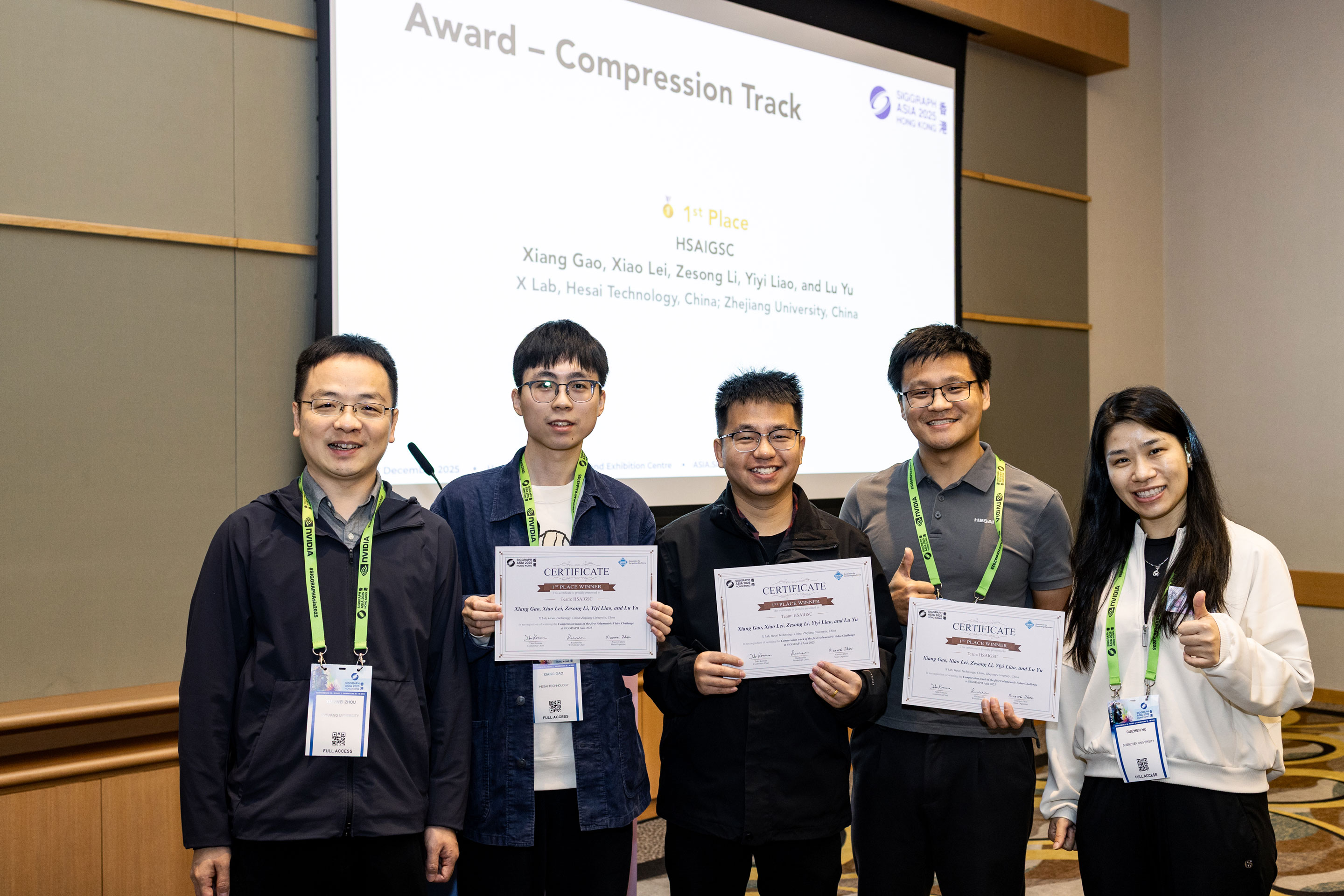
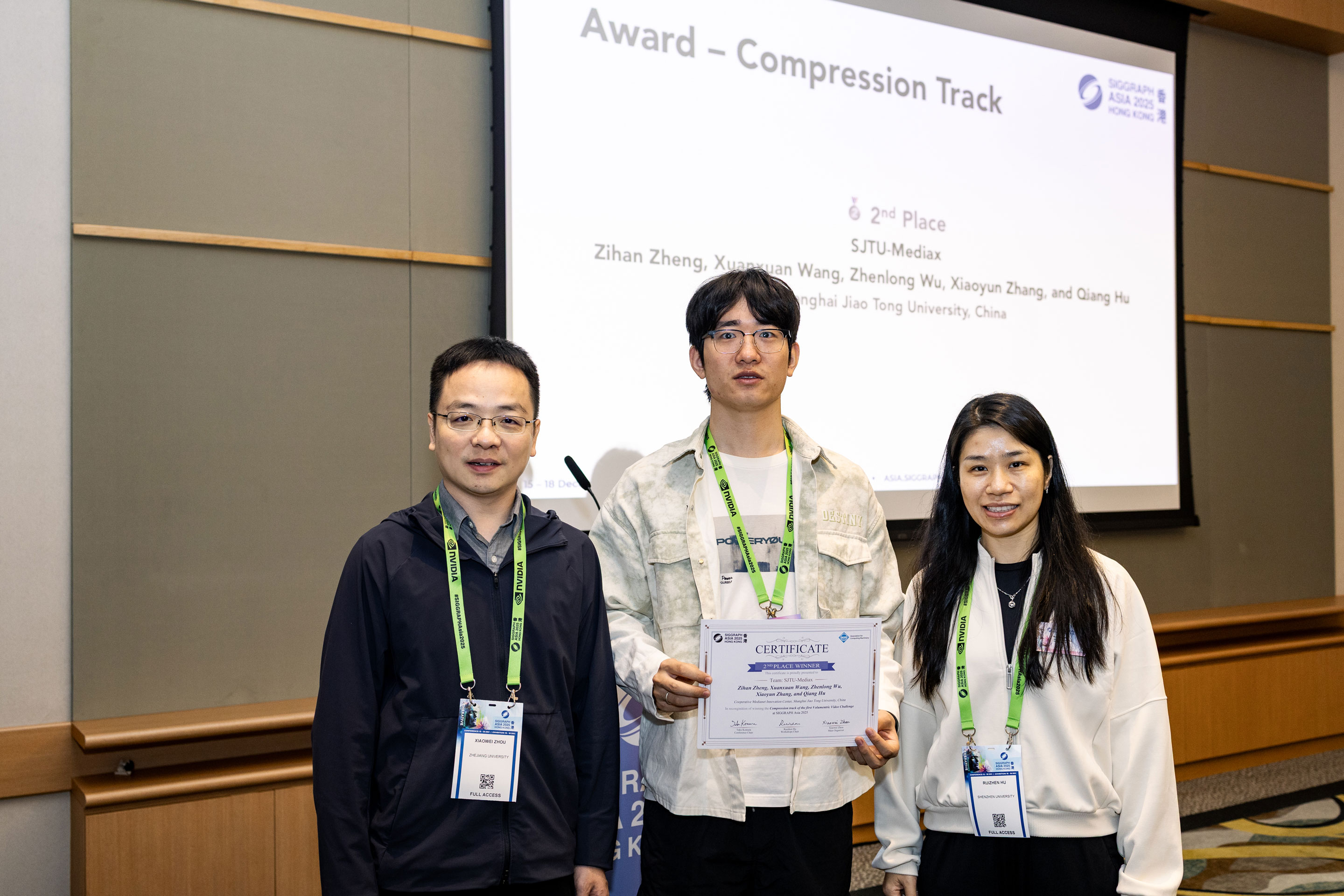
| HSAIGSC 🥇 | 32.83 | 0.9613 | 0.1170 | 3321.73 | 129.25 | 22.75 |
| SJTUMediax 🥈 | 33.53 | 0.9643 | 0.1042 | 5477.85 | 168.73 | 254.55 |
| SFUNML | 22.21 | 0.8558 | 0.2450 | 1045.55 | 206.18 | 81.45 |
| VLab | 25.23 | 0.9221 | 0.1496 | 100034.52 | 145.73 | 46.93 |
Workshop Schedule
The workshop will take place at Meeting Room S226+S227, Level 2, Hong Kong Convention and Exhibition Centre on 16 December 2025, from 9:00 am to 12:00 pm.
| Time (HKT) | Event |
|---|---|
| 09:00 - 09:10 | Welcome Remarks & Challenge Results |
| 09:10 - 09:50 | Winner talk: HSAIGSC, SJTU-Mediax, Random, SparseSight |
| 09:50-10:20 | Invited talk: Tianfan Xue |
| 10:20-10:35 | Break |
| 10:35-11:15 | Invited talk: Paul Debevec |
| 11:15-11:45 | Invited talk: Anyi Rao |
| 11:45-12:00 | Invited talk: Jiaming Sun |
Keynote Speakers
Distinguished experts in 3D/4D reconstruction and generative AI

FAQ
Q: For the submission of images, are there specific requirements for the file format?
A: We recommend saving JPG or JPEG images with (0, 0, 0) background color due to the google form file size limit.
A: [IMPORTANT⚠️] To improve the submission experience, the submission frame indices are set to range(0, 300, 6) for both compression and sparse-view tracks (i.e., 0, 6, 12, ...), which totals 50 frames. The submission cameras remain the same (12 for compression and 8 for sparse view). There are no specific requirements for the image format.
Q: Should we submit rendered results for the test set only, or are validation results also required?
A: You only need to submit rendered test-view results for the test set.
Q: Should we include comparison results with other methods in the technical report?
A: No. The technical report only needs to include a summary introducing your method and key innovations.
Q: Can we remove background points to reduce the model size? They seem irrelevant to the metric calculation.
A: Yes. Since background regions are not involved in the computation, we recommend removing them before submission.
Q: Will inaccurate foreground masks affect the calculation of rankings?
A: We will exclude samples with incorrect masks in the test set to avoid their impact on metric calculation.
Q: The images rendered by the provided FreeTimeGS model have floating-point artifacts from some perspectives. How should this be resolved?
A: You can try increasing the value of "near" in the rendering script.
Organizers


Highlights
Acknowledgements
We thank the following institutions for their support:


We also thank Yuanhong Yu and Yuxuan Lin for their valuable contributions to the development of the website and the dataset preparation.
Contact
For any questions, please contact us at
[email protected]